

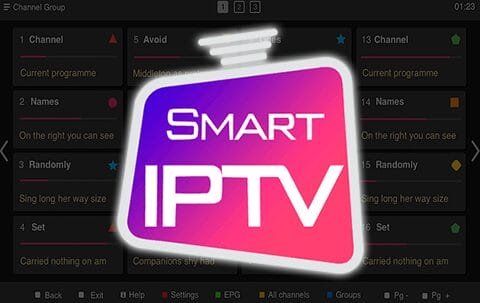
IPTV is a service that sends TV channels over the Internet protocol (IP) instead of traditional methods like satellite or cable TV. It works with many Smart TV brands, including LG, Samsung, and Sony. You can stream IPTV content on any Smart TV with this app, which also lets you view the EPG, use icons, and group channels. If you want to see the EPG, icons, and channel groups, you need to upload an M3U file or URL that is in the m3u format with options.
It’s important to know that Samsung has removed the SIPTV app from their store of apps.
How to make SIPTV (Smart IPTV App) work with more IPTV channels
Step 1: Go to the store list and download the Smart IPTV app.
Remember that the app comes with a free trial that lasts for 7 days. After the trial period is over, you can buy the app again through in-app purchases or by going to the website and buying a license.
Step 2: Once you open the app, you’ll see your TV’s MAC address.
You should write it down so you’re ready for the next step.

Step 3: Open this link to go to the playlist uploader page: http://siptv.eu/mylist/
Put in the M3U URL you got from your IPTV provider and your TV’s Mac address. Check the box next to “Keep Online” and click “Add Link.”
It’s better to add an M3U link than to use a static M3U file after all the changes.
Note: Some progressive IPTV providers give you a dashboard where you can create your M3U URL and link to it.
Step 4: Restart the Smart IPTV app after successfully uploading your playlist, and the channels will be shown.
Adult content needs a password.
You can use 0000, 1234, or 1122 to get into adult content on your Smart TV app.
You can tell us what you think and give us suggestions in the comments section to help us make our articles better. I appreciate your thoughts.
[…] an update available. There is likely an update available if you see a blue upward arrow next to the Smart IPTV App icon. Going to the app store on your Smart TV, finding the SIPTV app, going to its download page, […]