

Making the iPlayTV app work with IPTV channels
Step 1: First, get the iPlayTV app from the App Store to start the process. Then, go to the “Add Playlist” button.

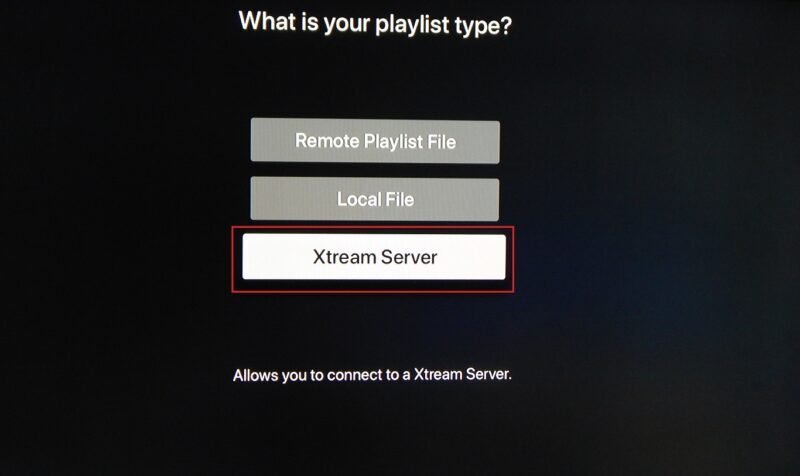
Step 2: Go to the “Xtream Server” and choose to move on to the next section.
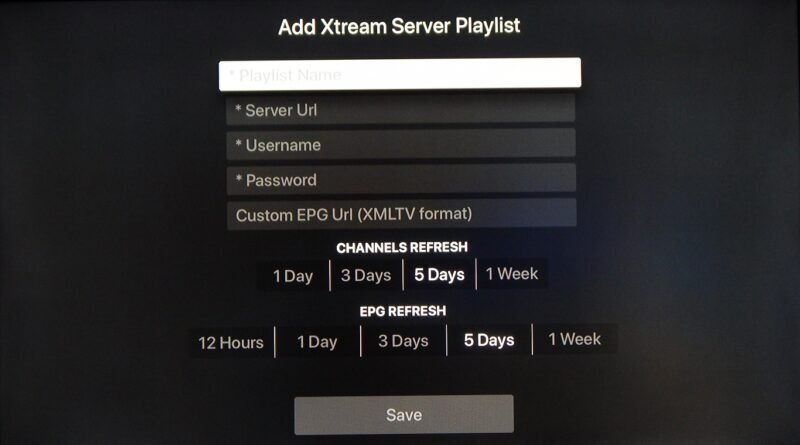
Step 3: Now, carefully follow the steps below to fill in the necessary fields. Make sure to click “Save” when you’re done.
 IPTVSKYPRO