

This tutorial will guide you in adding IPTV channels to your GSE SMART IPTV App. GSE is a comprehensive user-defined Advanced IPTV solution for both live and non-live television streams. featuring a robust integrated player that accommodates most formats, including M3U with configurable settings.
It is compatible with iOS and Android mobile devices.
We will employ Remote Playlists to configure IPTV in the GSE App; however, an alternative approach is available.
What is the procedure for configuring IPTV on GSE utilising the Xtream-Codes API?
This application can be downloaded via the link provided below:
Android-operated devices:
https://apkpure.com/gse-smart-iptv/com.gsetech.smartiptv
iOS:
https://itunes.apple.com/us/app/gse-smart-iptv/id1028734023?mt=8
Configuring IPTV channels in GSE
Step 1: Acquire the GSE IPTV application from the Google Play Store, then choose Remote Playlist from the menu.
Click the red circle in the bottom right corner, then choose Add M3U URL.
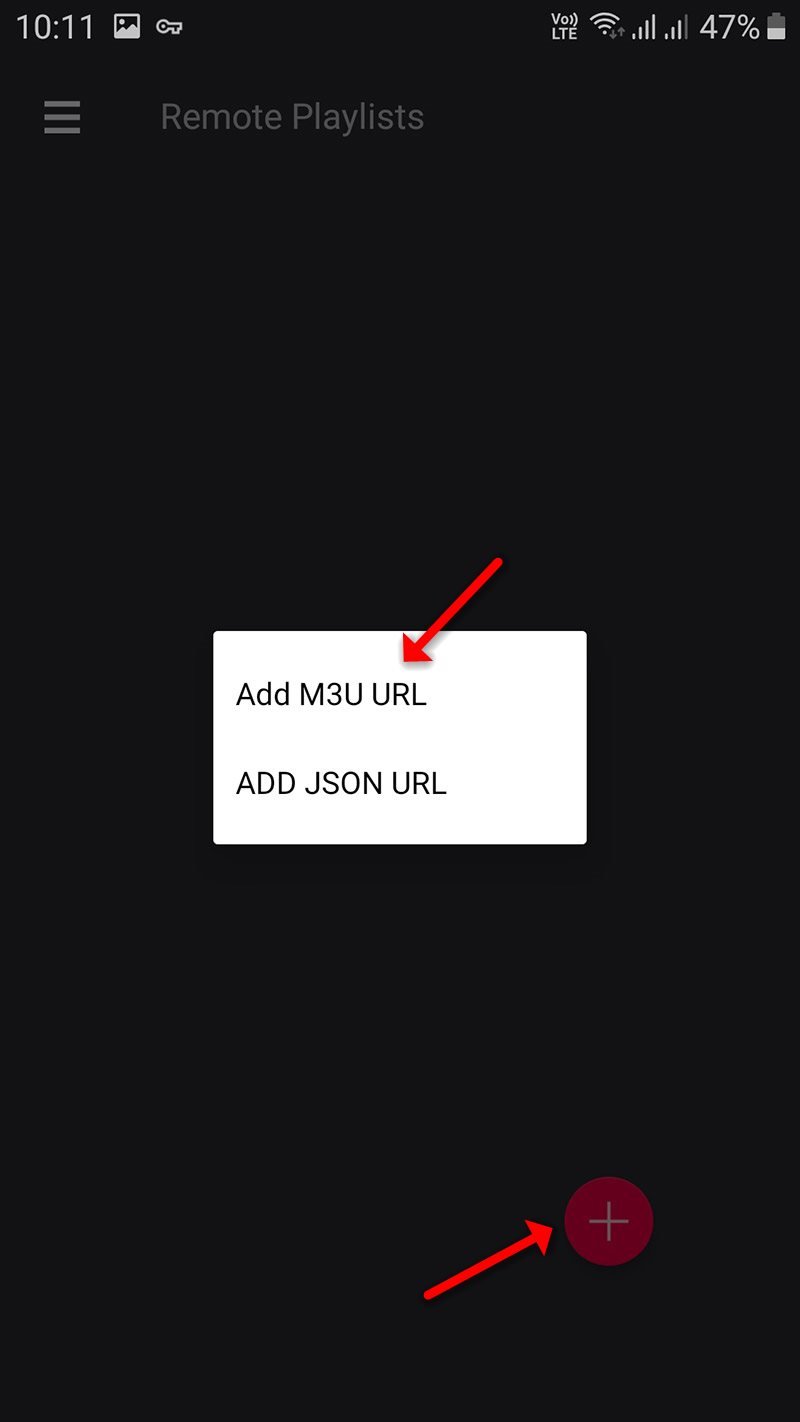
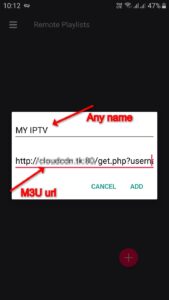
Step 2: Subsequently, designate a name for your playlist, insert your M3U URL, and click “ADD.”
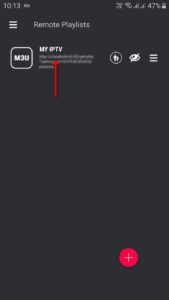
Step 3: Click on the newly added playlist to view the channel groups.
Step 4: Subsequently, exercise patience while the channels are integrated into your application, acknowledging that the duration may vary based on the countries or channel groups included in your M3U file.
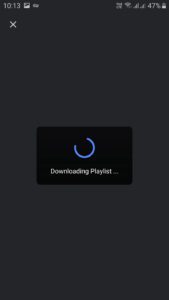
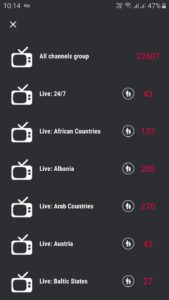
Step 5: Select the desired channel and click on “Play.”
The GSE Android application is now optimised for streaming IPTV channels on your Android device.
Specifications
- Compatibility with Chromecast
- Integration of the XTREAM-CODES API
- Automated assistance for live and VOD playlists, inclusive of EPG and film details.
- Support for EPG in XMLTV format, including local and remote file compatibility in XML, zip, and gzip formats.
- Parental control features
- Copy and paste capability for M3U content
- Effortless dynamic language transition among 31 languages
- The varied array of themes
- Integrated player supporting all primary formats, including RTMP tokens
Live stream IPTV assistance encompasses:
✔ HTTP, HLS, M3U8, MMS, RTSP, among others
✔ RTMP accommodates all functionalities, including secure tokens.
Please share your thoughts and feedback on this article in the comments section below to assist us in enhancing the quality of our content. I appreciate your assistance in advance.