

These easy steps will help you get to and make the most of your channel list, which will improve your entertainment experience.
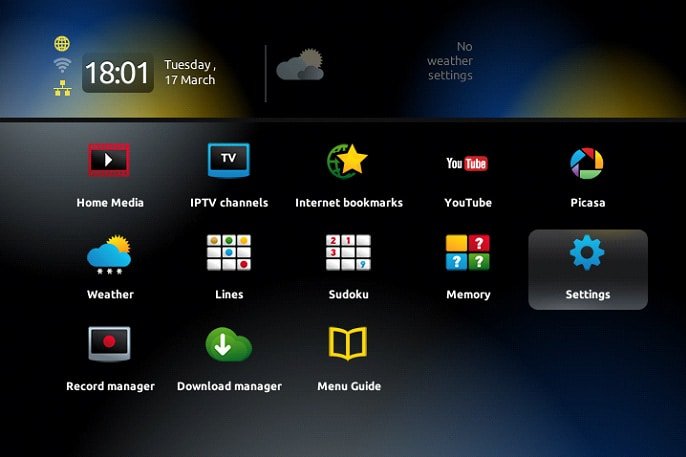
- Press the “OK” button on your remote to start using your channel list.
- Pressing the “Exit” button next to the arrows will make navigation easy.
- By selecting “Settings,” you can get to the full settings menu.
- and making sure with one more “OK” press.
- Check out the “Localization” section to make sure that the time settings are just right for you.
- To get your system back in sync, go back to the “Servers” menu and type in “pool.ntp.org.”
- Within the next 24 hours, your updates will work with no problems.
Please feel free to share your thoughts and experiences with IPTV Smarters in the box below. We’re here to help you more if you need it.
 IPTVSKYPRO