

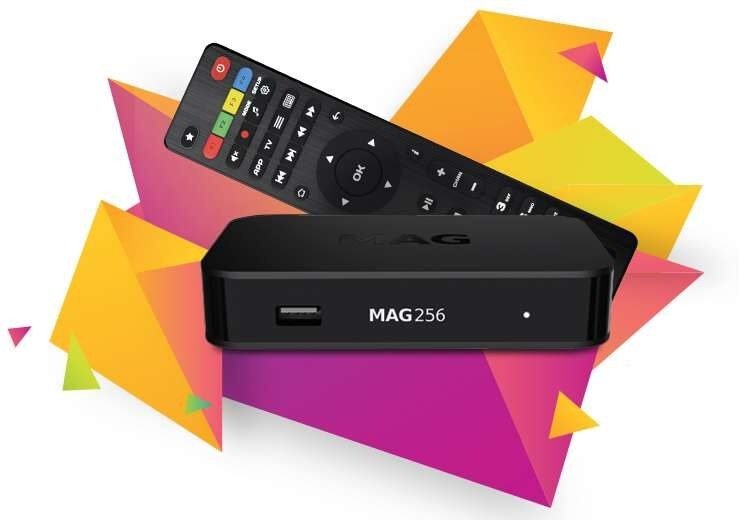
We will explain in detail how to add IPTV channels to your MAG 4XX and 5XX (MAG410, MAG420, MAG425, MAG500, MAG520, MAG524, etc.) equipment in this guide.
Note: IPTV providers do not offer support for MAG 4XX and 5XX systems that use the portal structure. In this way, the steps described here are an alternative way to connect your IPTV to your MAG box.
How to set up IPTV MAG with an M3U URL
Step 1: Download the M3U URL that your IPTV provider gives you.
Second, copy and paste this M3U file that doesn’t change to a USB drive.
Step 3: Put the USB drive into your MAG.
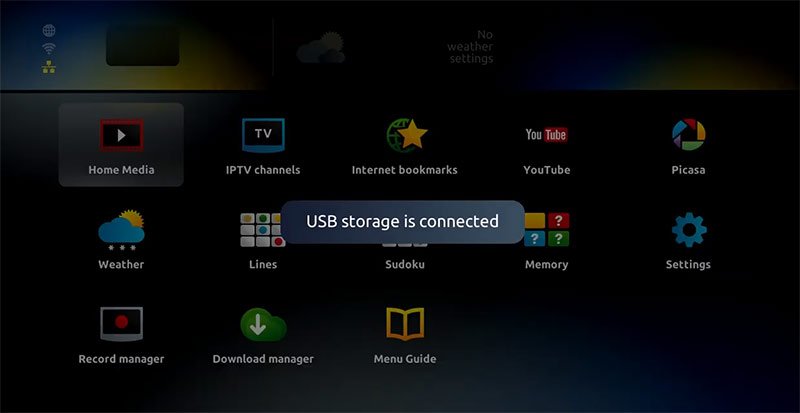
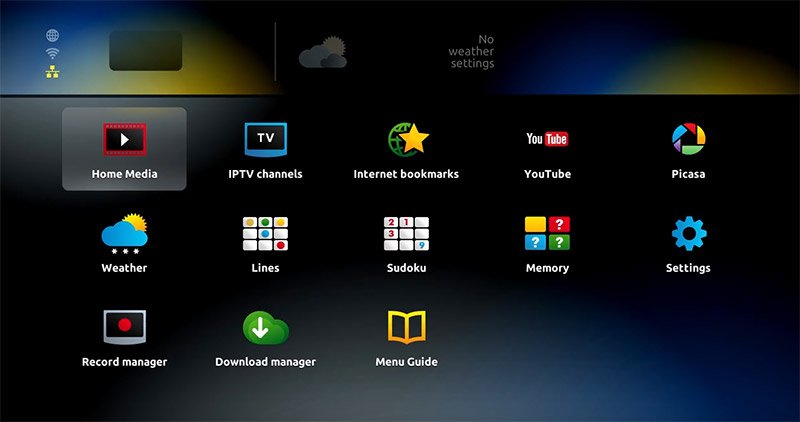
Step 4: Click on the embedded portal when the mag box shows the login screen.
5. Click on “Home Media.”
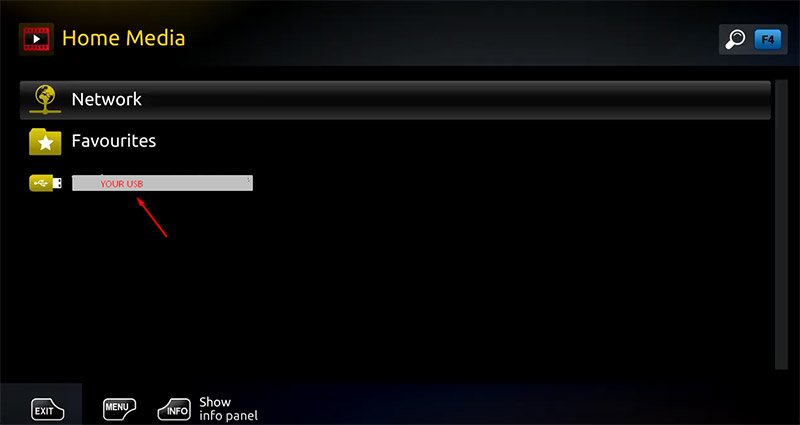
Step 6: Click on your USB after scrolling down.
Step 7: Look for the M3U file on the USB drive and click on it.
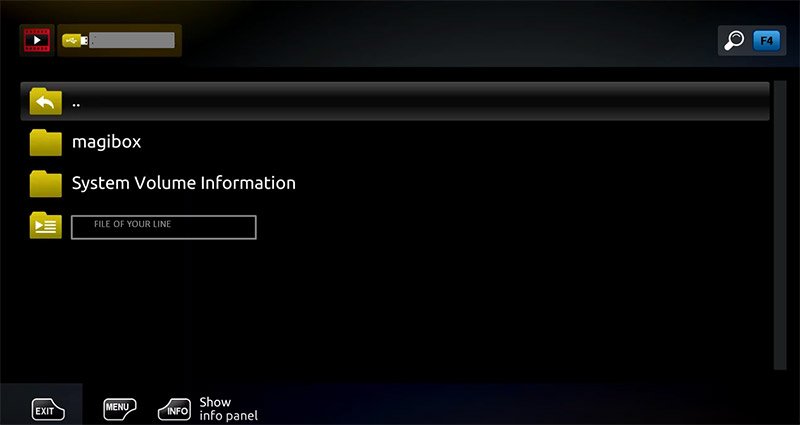
Step 8: Click on “Open.”
Step 9: A window will pop up that says “Open playlist.” Press the yellow button on your remote, which is F3.
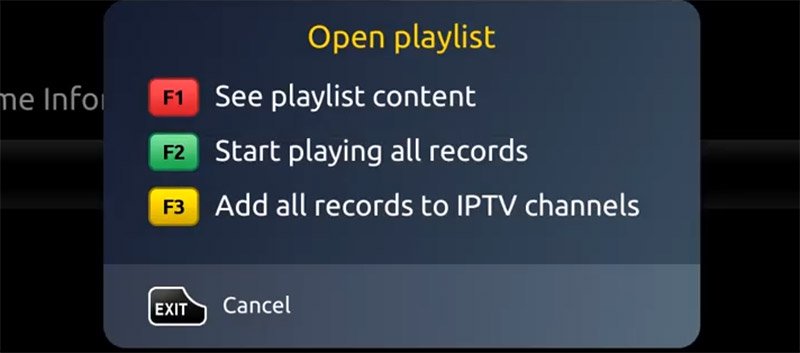
Step 10: The m3u file is added to the Home Media section’s IPTV section.
Step 11: Press “Back” to go back to the home page and to “IPTV channels.”
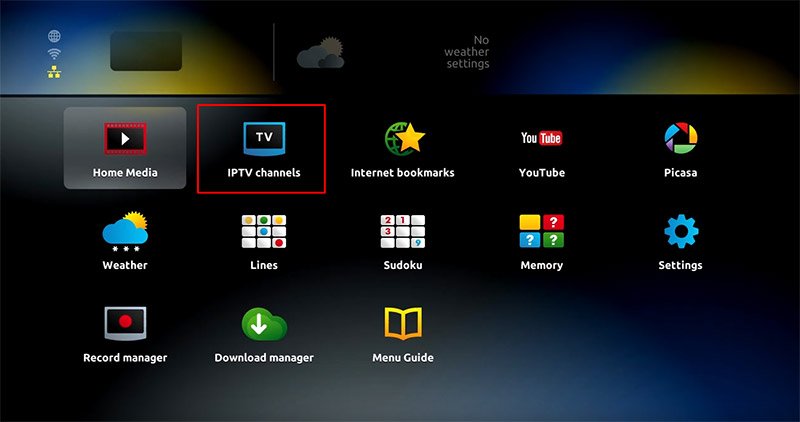
Everything is now ready to watch live TV…
You can tell us what you think about this article in the section below for comments. This will help us make our articles better. Thank you ahead of time.