

With Kodi’s help, IPTV fans can watch a huge number of live TV channels on a variety of devices, such as Android set-top boxes, smartphones, PCs, gaming consoles like Xbox One, and even strange gadgets like Raspberry Pi.
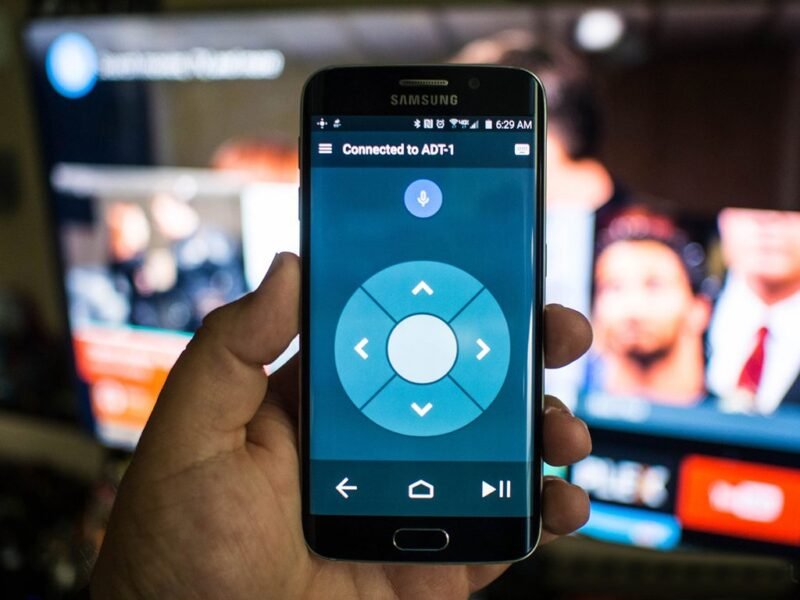
KODI fans can use an essential app called Kore Remote to get the most out of their devices. This app seamlessly acts like a full-featured remote control, making it easy to control smartphones, tablets, and iPads. How do I set up IPTV on the Kodi app?
The Places to Download
The following URLs will let you download this app, depending on your device:
Android: https://play.google.com/store/apps/details?id=org.xbmc.kore&hl=en
iOS: https://apps.apple.com/us/app/official-kodi-remote/id520480364
Why use a remote to control KODI?
Several benefits come from being able to control KODI from afar:
- Convenience: You don’t have to look for multiple remotes. Your phone is where all of the controls are.
- Flexibility: You can control your media center from anywhere in your house, so you’re not stuck in one place.
- Better Features: You can use extra features and functions that aren’t available on regular remotes.
Kore, the official Kodi remote
At the moment, there is an official app just for Kodi that is called Kore. These are its main features:
a. Control your media center easily with a remote that’s easy to use and comes with different color themes.
b. Look at an Electronic Program Guide (EPG) to find out what’s on TV right now, including movies, TV shows, music, pictures, and extras.
c. Toggle, sync, or download subtitles without any trouble as needed.
d. It should be easy to switch between audio streams.
e. It’s easy to watch live TV and start recording with your PVR or DVR.
f. Use Wake-on-LAN and any other power-control features that the chosen device supports.
Common Questions:
Q: Can I use my iPhone to control KODI from afar? A: There are apps for both Android and iOS devices that can be used as remote controls.
Q: Are there any security risks with apps for remote controls? A: Most remote control apps are safe to use, but it’s important to only download them from trusted sources and keep your software up to date to reduce any risks.
Q: Can I change how the remote controls are laid out? A: A lot of remote control apps let you change the layout to something that works best for you.
In conclusion:
Controlling KODI from a phone gives you more freedom and convenience than anything else. By following the steps above, you can make your entertainment experience easier and get to your favorite media content without any problems.
We’d like to hear what you think about this article. Please let us know what you think in the section below for comments. This will help us make our content better. Thank you ahead of time for your contribution.